
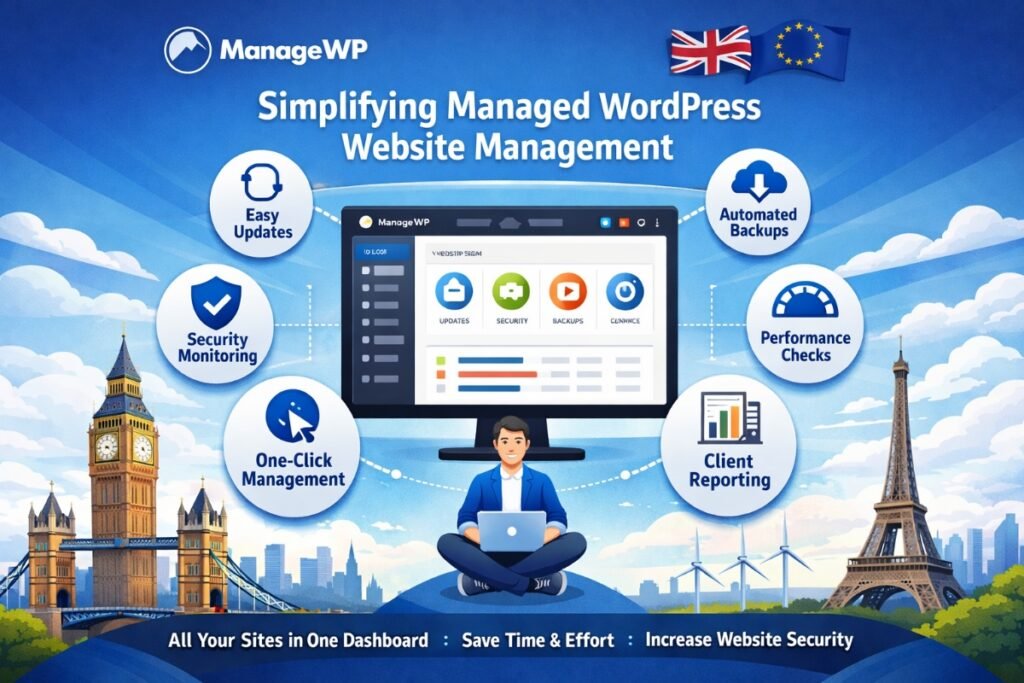

If you run more than one WordPress website, you already know how quickly things spiral. Updates pile up. Plugins need patching. Backups fall behind. Security scans get skipped. And before you know it, you are spending more time on maintenance than on actual growth.
Now multiply that across five, ten, or fifty websites. Whether you are a freelancer juggling client projects, an agency managing a portfolio, or a business owner running multiple brand sites, manual WordPress management becomes a serious bottleneck.
That is exactly where ManageWP steps in. It is a WordPress management tool built to centralize, automate, and simplify the way you handle multiple WordPress sites from a single dashboard. In this in-depth ManageWP review, we will break down what it does, who it is for, how it compares to manual management, and whether the pricing makes sense for your workflow.
What Is ManageWP and How Does It Work?
ManageWP is a cloud-based platform designed to help users manage multiple WordPress sites from one unified interface. Instead of logging into each site individually to run updates, check performance, or create backups, you connect all your sites to ManageWP and handle everything from a single dashboard.
Getting started is straightforward. You install a lightweight worker plugin on each WordPress site you want to manage. Once activated, the plugin connects your site to ManageWP’s cloud dashboard. From there, you can monitor, update, back up, and secure every connected site without ever opening a separate browser tab.
The platform operates on a freemium model, meaning the core features are available at no cost. Premium add-ons unlock advanced functionality like scheduled backups, client reporting, uptime monitoring, and more. This makes it accessible to solo site owners and scalable for agencies handling dozens or even hundreds of websites.
Key Features That Make ManageWP Stand Out
ManageWP is packed with features that target the most time-consuming parts of WordPress maintenance. Here is a closer look at what makes it a go-to WordPress maintenance automation tool.
1. Centralized Dashboard for All Your Sites
The heart of ManageWP is its centralized dashboard. Every connected website appears in a clean, organized overview. You can see at a glance which sites have pending updates, which ones need attention, and which are running smoothly.
This eliminates the need to bookmark dozens of wp-admin URLs or remember login credentials for each site. Everything is accessible in one place, and you can switch between sites in seconds.
2. One-Click Updates Across All Sites
Keeping WordPress core, themes, and plugins up to date is critical for security and performance. But doing it manually across multiple sites is tedious and error-prone.
ManageWP lets you run one-click updates across all your sites simultaneously. You can:
- Update all plugins across every site with a single action
- Selectively update specific plugins or themes on chosen sites
- Review available updates before applying them
- Roll back updates if something breaks
This alone saves hours every week for anyone managing more than a handful of WordPress installations.
3. Automated Backups You Can Rely On
Backups are the safety net every WordPress site needs, yet they are often the first thing that gets neglected. ManageWP offers both free and premium backup options.
The free tier includes monthly backups stored offsite. Premium users can schedule backups as frequently as every hour, choose from multiple cloud storage destinations (Google Drive, Amazon S3, Dropbox, and others), and restore sites with a single click.
Having automated, offsite backups running quietly in the background gives you peace of mind without adding another task to your to-do list.
4. Security Monitoring and Malware Detection
WordPress sites are common targets for malware, brute force attacks, and vulnerabilities in outdated software. ManageWP includes built-in security checks that scan your sites for known threats.
The platform can:
- Run on-demand security scans powered by Sucuri
- Alert you to vulnerabilities in plugins or themes
- Monitor blacklist status across major security databases
- Flag suspicious file changes on your server
For agencies and freelancers responsible for client websites, this level of monitoring is not optional. It is essential.
5. Performance Checks and Speed Optimization
Site speed directly impacts user experience, bounce rates, and search engine rankings. ManageWP integrates performance checks that measure page load times and identify bottlenecks.
While it does not replace dedicated performance optimization tools, it gives you a quick, actionable snapshot of how each site is performing. You can spot slow-loading sites early and take corrective action before visitors or Google notice.
6. Client Reports That Look Professional
If you manage WordPress sites for clients, reporting is part of the job. ManageWP’s client reporting feature lets you generate branded, professional reports that summarize everything you have done for a client’s site.
Reports can include details on updates applied, backups completed, security scans run, uptime stats, and more. You can customize the branding, schedule reports to send automatically, and deliver them via email. It is a small feature that makes a big impression on clients.
Real-World Use Cases: Who Benefits Most from ManageWP?
ManageWP is not a niche tool. It serves a wide range of WordPress users, but certain groups benefit more than others.
Freelance WordPress Developers and Designers
Freelancers often manage a growing number of client sites alongside their own projects. ManageWP lets them keep every site updated, backed up, and secure without dedicating entire afternoons to maintenance. The client reporting feature also adds a professional touch that helps retain clients and justify ongoing maintenance fees.
WordPress Agencies
For agencies managing 20, 50, or 100+ sites, manual management is simply not viable. ManageWP scales effortlessly, letting teams handle large portfolios without proportionally increasing their workload. Combined with white-label reporting tools, it integrates smoothly into existing agency workflows.
Business Owners with Multiple Sites
Businesses running regional sites, microsites, or separate brand properties need a reliable way to keep everything in sync. ManageWP provides that oversight without requiring dedicated technical staff for routine maintenance tasks.
WordPress Maintenance Service Providers
A growing number of professionals offer WordPress maintenance as a service. ManageWP is essentially the backbone of these businesses, providing the tools needed to deliver consistent, high-quality maintenance at scale.
Manual WordPress Management vs ManageWP: A Clear Comparison
To understand the real value of ManageWP, it helps to compare the two approaches side by side.
- Logging in: Manual management requires logging into each site individually. ManageWP gives you access to all sites from one dashboard.
- Running updates: Manually, you update each site one at a time. With ManageWP, you update all sites at once with a single click.
- Backups: Manual backups depend on individual plugin setups per site. ManageWP automates and centralizes backups across your entire portfolio.
- Security scanning: Without ManageWP, you need separate security plugins on every site. ManageWP handles scans from its dashboard.
- Performance monitoring: Checking speed manually means running separate tests on each domain. ManageWP consolidates performance data in one view.
- Reporting: Creating manual reports for clients involves spreadsheets and screenshots. ManageWP generates polished reports automatically.
The difference is not subtle. Manual management might work for one or two sites, but it breaks down quickly as the number grows. ManageWP removes the repetition and lets you focus on higher-value work.
Benefits of Using ManageWP for WordPress Maintenance Automation
Beyond the features themselves, ManageWP delivers several tangible benefits that impact your bottom line.
Significant Time Savings
The biggest win is time. Tasks that used to take hours, like updating plugins across 30 sites, now take minutes. That freed-up time can go toward client work, business development, or simply not working late on a Friday.
Scalability Without Extra Overhead
Adding a new site to ManageWP takes less than two minutes. There is no complex onboarding or setup process. This means you can take on more clients or launch more projects without worrying about whether your maintenance workflow can keep up.
Fewer Human Errors
When you are manually updating dozens of sites, mistakes happen. You skip a plugin. You forget to back up before a major update. You overlook a security warning. ManageWP reduces these risks by automating the routine and surfacing issues that need your attention.
Better Client Relationships
Clients appreciate transparency. Sending them a detailed monthly report showing exactly what you have done for their site builds trust and reduces churn. It also makes it easier to justify your maintenance fees with concrete evidence of ongoing work.
ManageWP Pricing: Is It Worth It?
One of the most appealing aspects of ManageWP is its pricing structure. The free plan is genuinely useful. It includes the centralized dashboard, one-click updates, and monthly backups for unlimited sites. For many solo users, this is more than enough.
Premium add-ons are priced per site, per month. Some of the key premium features and their approximate costs include:
- Scheduled backups (daily, hourly): starting around $2 per site/month
- Uptime monitoring: around $1 per site/month
- Client reports: around $1 per site/month
- SEO ranking tracking: around $1 per site/month
- Performance checks: around $1 per site/month
You only pay for the add-ons you actually need, and only on the sites where you need them. This modular pricing means you are never paying for features you do not use. For agencies and maintenance providers, the cost is easily offset by the time saved and the ability to serve more clients efficiently.
If you are evaluating WordPress management tools and comparing options, ManageWP consistently ranks as one of the best values in the space. You can learn more about choosing the right tools for your WordPress workflow to see how it fits into a broader strategy.
Final Thoughts: Why ManageWP Deserves a Spot in Your Toolkit
Managing WordPress sites does not have to be a grind. ManageWP takes the most repetitive, time-consuming, and error-prone parts of WordPress maintenance and turns them into automated, centralized processes that just work.
Whether you are a solo freelancer trying to stay on top of client sites, an agency scaling its operations, or a business owner who simply wants things to run smoothly, ManageWP delivers real, measurable value. The free tier is generous enough to get started, and the premium features are priced fairly for what they offer.
If you have been managing WordPress sites the hard way, give ManageWP a try. Your future self will thank you.
Frequently Asked Questions About ManageWP
Is ManageWP free to use?
Yes. ManageWP offers a free plan that includes a centralized dashboard, one-click updates, and monthly offsite backups for unlimited websites. Premium add-ons are available for advanced features like daily backups, uptime monitoring, and client reports.
How many websites can I manage with ManageWP?
There is no hard limit on the number of sites you can connect. Both free and premium users can add as many WordPress sites as they need. The platform is built to scale from a single site to hundreds.
Is ManageWP safe and secure?
ManageWP uses encrypted connections between its cloud dashboard and your WordPress sites. The worker plugin installed on each site is lightweight and regularly updated. The platform also integrates with Sucuri for security scanning, adding another layer of protection.
Does ManageWP work with any WordPress hosting provider?
Yes. ManageWP is hosting-agnostic. It works with virtually any hosting provider, including shared hosting, VPS, dedicated servers, and managed WordPress hosts. As long as you can install a plugin on your WordPress site, you can connect it to ManageWP.
Can I use ManageWP if I only have one website?
Absolutely. While ManageWP is most powerful when managing multiple sites, single-site users still benefit from automated backups, security scans, and performance monitoring. The free plan makes it a no-risk addition to any WordPress setup.